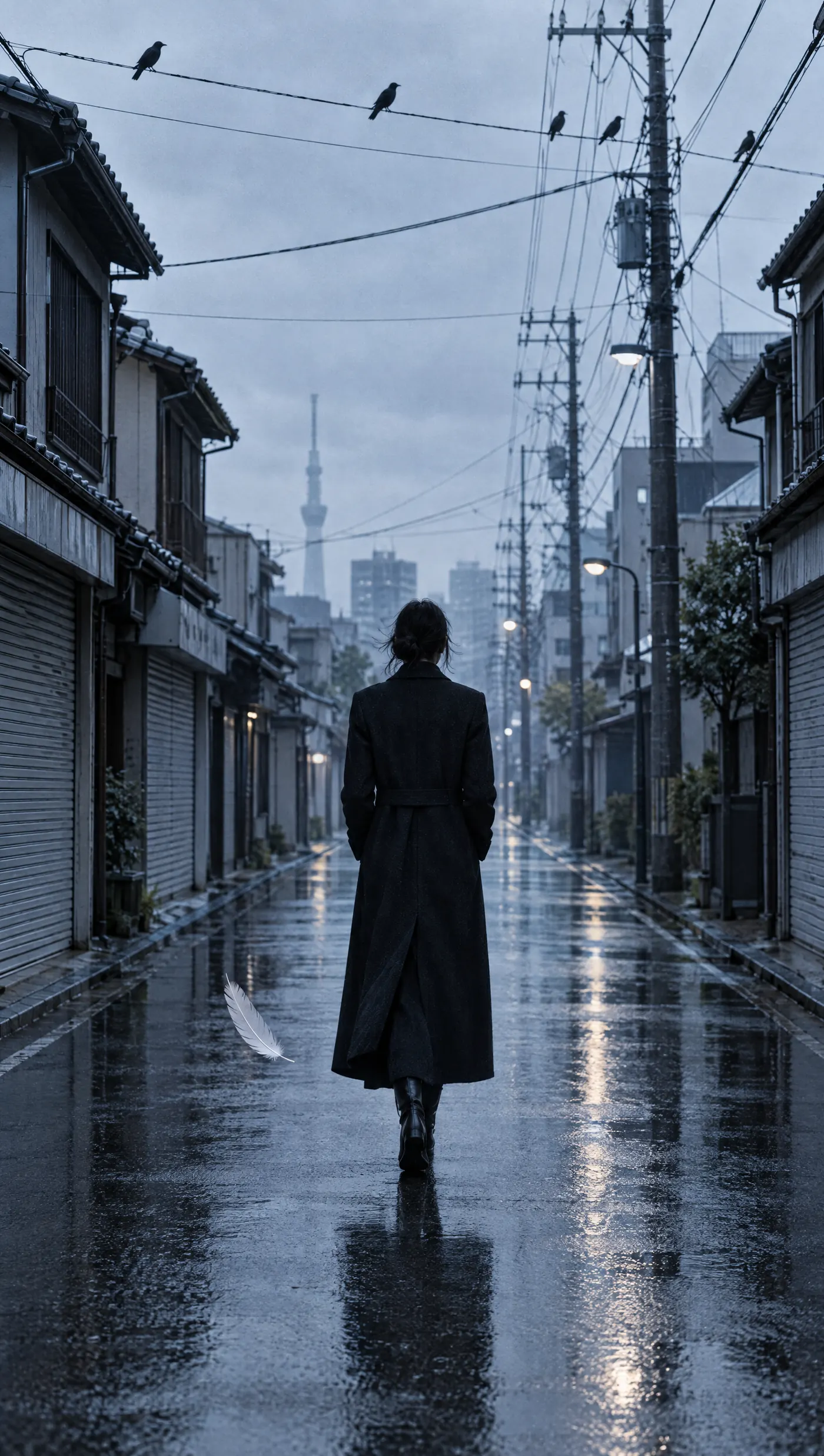
Retro Studios · Beppu, Japan
One person.A whole crew.
Retro Studios is a one-person AI film studio in Beppu, Japan: cinematic spec ads, brand ads and music videos, made without a crew. Nightpost is its first tool for streamers.

Product 01 · Nightpost · built, not shot
Drop clips in.
They go out on time.
Nightpost is a scheduler for streamers and clippers. Upload finished clips with captions, pick the platforms and the times, and it publishes them to TikTok, Instagram Reels, YouTube Shorts and Facebook Reels while you sleep.
It also runs a remote MCP server, so Claude or any agent can schedule a whole content plan in one call.
Status: building v0. Join the waitlist to get the first invite.
Join the waitlistQUEUE · WEEK 43 · ASIA/TOKYO
| # | clip | targets | at | status |
|---|---|---|---|---|
| 01 | rate_my_hair | TT·IG·YT·FB | 07:30 JST | SCHEDULED |
| 02 | clutch_1v4 | TT·YT | 12:00 JST | SCHEDULED |
| 03 | chat_picks_outfit | TT·IG·FB | 19:30 JST | UPLOADING |
| 04 | raid_reaction | IG·YT | 22:00 JST | PUBLISHED |
COMP v00 · 00:00:00:00 · example data
How it works
Step 01: Upload
Drag in up to 500 MB per clip, 9:16. Nightpost checks duration, size and aspect ratio against every platform before anything is scheduled.
Step 02: Schedule
One clip, many targets. Per-platform captions, first comment, privacy settings and a time in your timezone. Or import a whole plan from CSV or JSON.
Step 03: Publish
A worker posts each target on time, retries on rate limits, and emails you if a platform refuses. Every target shows its public URL once live.
RS-26 › the films › what the studio makes
Cinema, the crew.
Spec ads, brand ads and music videos, made by one person with Higgsfield, Suno and CapCut. Nightpost grew out of posting those films to four platforms every week.
Watch on Instagram › @retrostudios__
Platforms
TikTok
Send to drafts so you can add a trending sound in the app, or post directly (private until TikTok audit).
Instagram Reels
Professional accounts linked to a Facebook Page. Caption, cover and first comment.
YouTube Shorts
Title, description, tags, privacy and first comment. Resumable upload.
Facebook Reels
Page Reels with description and first comment.
Pricing
Draft numbers. They will change before launch.
Free
$0/ monthdraft
- 1 account per platform
- 10 scheduled posts a month
- Calendar, queue and bulk import
- AI helpers with a small monthly budget
- Email on failure
Creator
$12/ monthdraft
- 3 accounts per platform
- 300 scheduled posts a month
- Everything in Free
- 10x the AI budget
Studio
$39/ monthdraft
- Up to 5 creators in one workspace
- 10 accounts per platform
- 2,000 scheduled posts a month
- MCP server access with API keys
- The largest AI budget
FAQ
- Does it post to TikTok drafts?
- Yes. Drafts mode uploads the clip to your TikTok inbox. You open the app, add a sound, and post. Direct posting is also built, but TikTok restricts unaudited apps to private posts until their audit passes.
- What file formats and sizes work?
- MP4 or MOV, up to 500 MB, vertical 9:16. Each file is probed on upload and anything a platform would reject is flagged with the reason in plain words.
- What happens when a platform fails?
- The worker retries with backoff and honours rate limits. If the error is permanent, the target is marked failed, you get an email, and you can retry or cancel from the queue.
- Where is my data stored?
- In Supabase (Tokyo region): account, clips, captions and encrypted platform tokens. You can export everything or delete your account from Settings. See the privacy policy for the full list.
- Can I use it from Claude?
- Yes. Create an API key in Settings and add the MCP server to Claude Code or Claude Desktop. Tools cover accounts, media, posts, the queue and bulk scheduling.
Waitlist
First invites go outto the list.
One email when invites open. No newsletter.